Surely at some point in our lives, we have questioned the security capability provided by our mobile devices to protect all our personal and banking data.
Therefore, although it’s not easy to determine which are the best tools to assist us with this task, we have compiled a short but very precise list of 6 applications that enable two-factor authentication, thus providing an extra layer of security for our accounts.
1Password
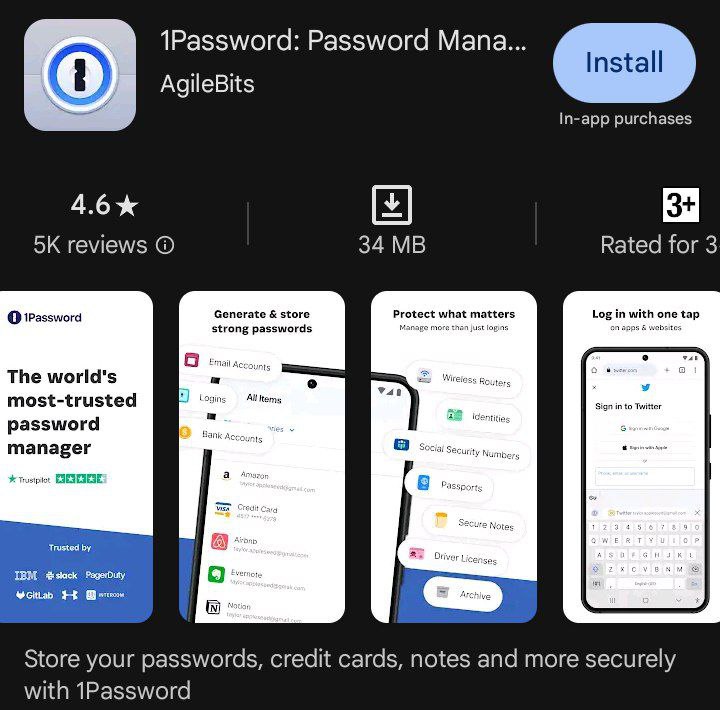
On the other hand, we come across 1Password as an application that is available for free on the App Store and Play Store. Primarily, this app is a password manager, making it an ideal tool for managing the passwords of our accounts.
It’s worth noting that it has the capability to manage two-factor authentication, but to use this feature, a subscription must be paid for any of its plans. These plans include the individual plan with a cost of 3.26 dollars per month, the family plan priced at 5.43 dollars and usable by 5 people.
The third plan is indicated for our company’s team with a price of 21.72 dollars and a capacity of up to 10 users per subscription, and finally, the last plan is known as businesses with a price of 7.60 dollars.
Authenticator App
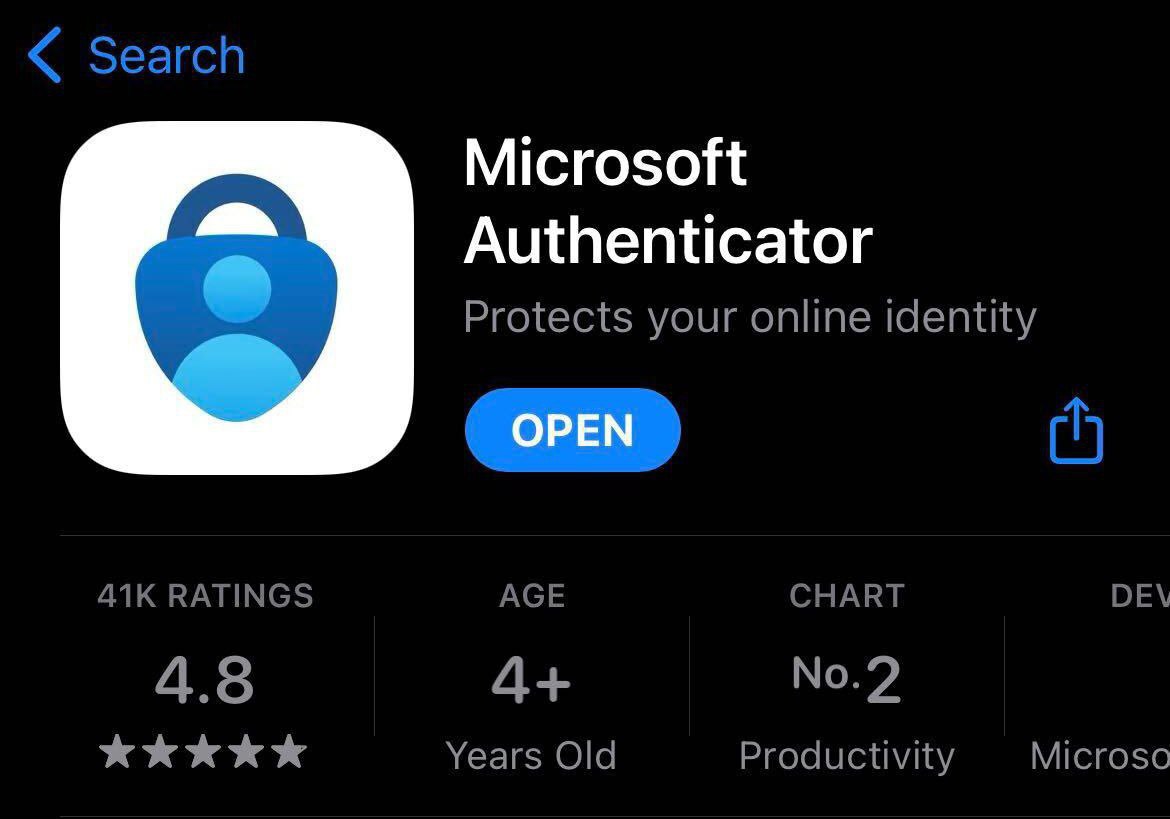
In the third position of this top, we have the Authenticator App. This application is only available for Apple devices and can be downloaded for free from the App Store. Additionally, it has an extension version for the majority of browsers.
Moreover, it has the ability to generate secure codes even when offline. Another interesting feature is the option to securely import our data from Google Authenticator. However, to fully utilize all its functions, a subscription is required.
Duo Mobile
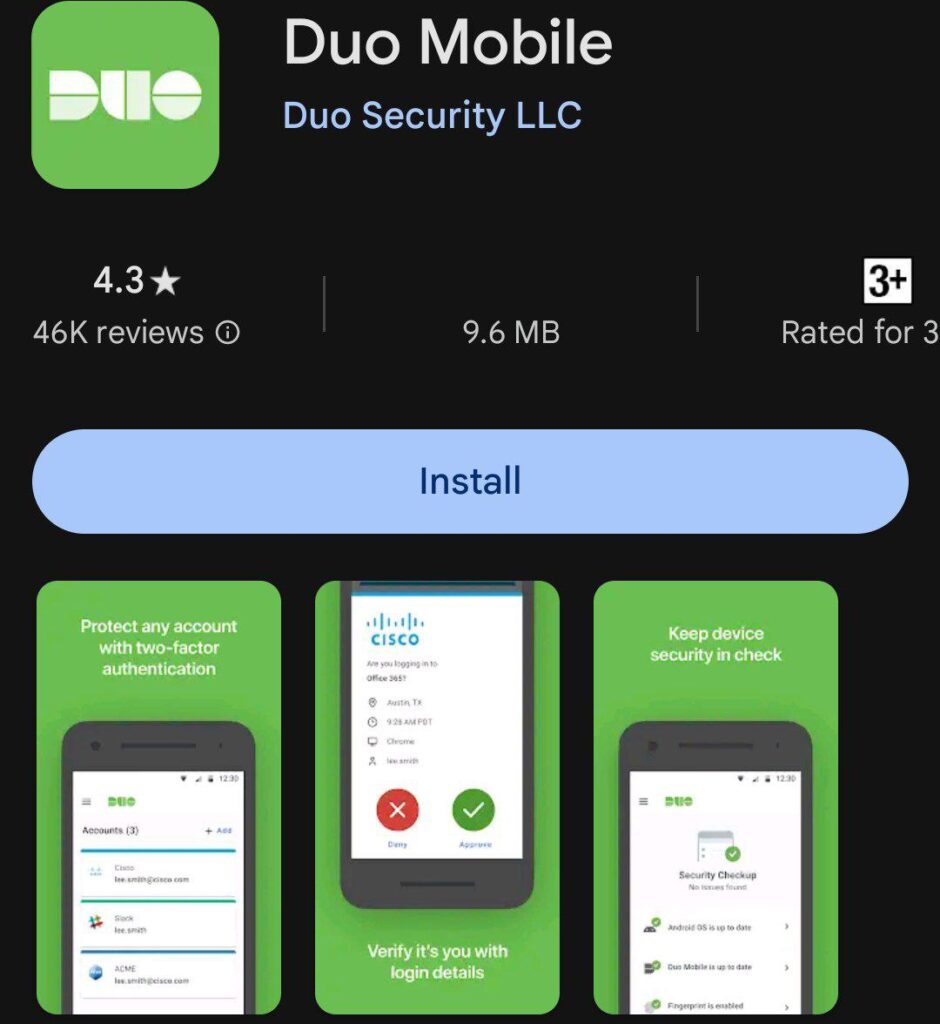
Duo Mobile, a well-loved application among users, secures its place in the top 7 in the business section of the App Store, available for free download on both the App Store and Play Store.
One of its greatest strengths is its usability across all websites, enabling users to protect their data with backups on both Google Drive and iCloud.
Aegis Authenticator
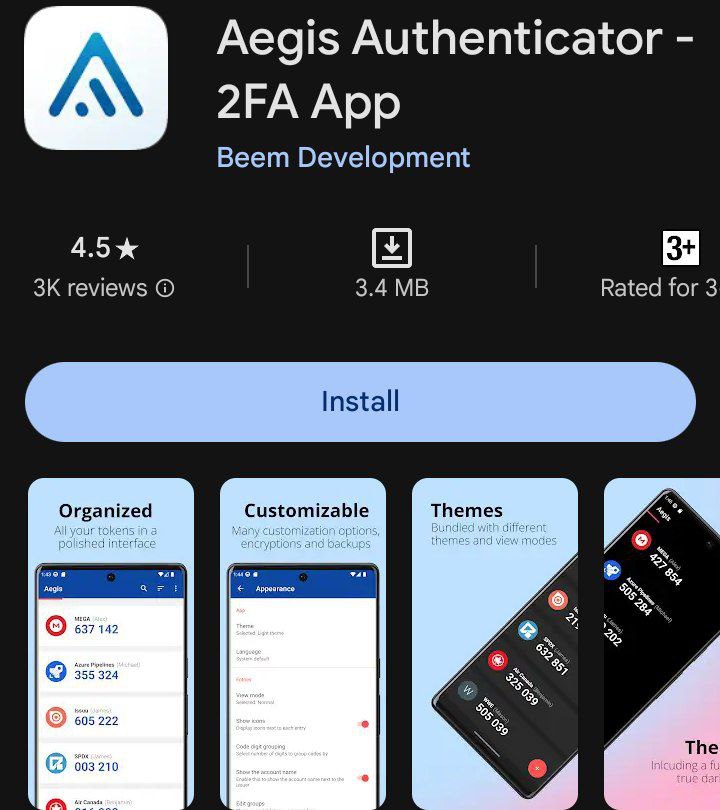
Lastly, but not least, we have Aegis Authenticator. This application is quite simple to use, but it’s worth noting that it’s only available for Android smartphones on the Play Store, and it’s free to download.
With this app, we can protect all our data and use two-factor authentication for each and every one of our web services. Additionally, we’ll have the option to configure our biometric data or fingerprints to facilitate its use.
Google Authenticator
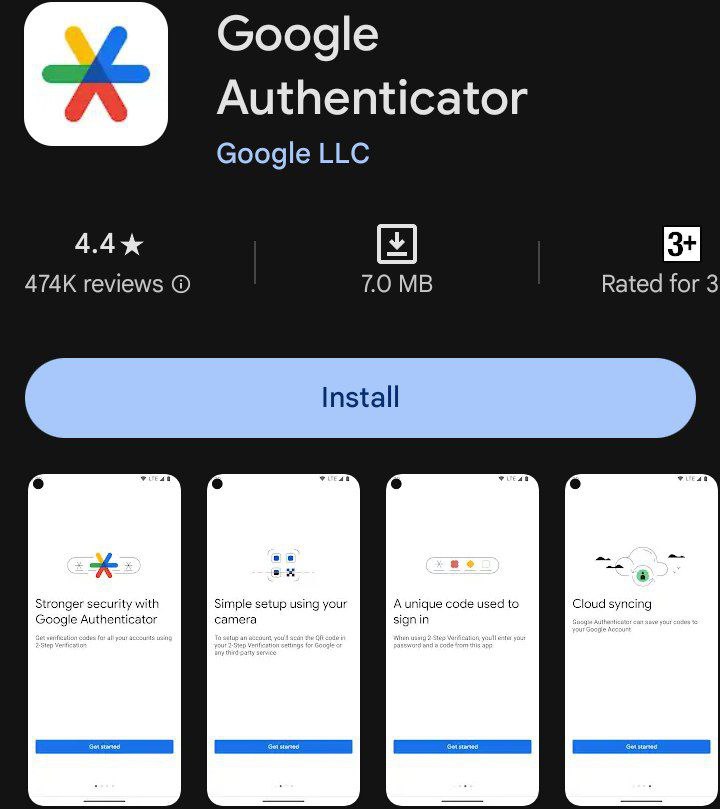
We couldn’t overlook the tool created by Google for two-factor authentication in our list. In this case, the company allows us to download the application, either on Android or iOS, and link it to the other app to receive a one-time code when needed, such as when accessing an app or making a bank transfer.
Its usage is also free and perhaps one of the best options to avoid headaches when relying on passwords to access any app.